



Bruno App - Download and Mobile Casino Experience
The Bruno Android app sits at 4.9/5 across roughly 29,401 Google Play reviews and has crossed 1 million downloads, putting it at the top of the Casino category on the store. That’s the live rating from IGAMING AGENCY’s published listing, not a marketing claim. If you’re here to decide whether to play on mobile, those numbers are a reasonable place to start.
The full welcome package (100% up to €500 + 150 free spins on deposit one, 55% up to €500 + 100 free spins on deposit two, and 100% up to €500 on deposit three) is available in full on mobile, through the app and the browser alike. Nothing is locked to desktop.
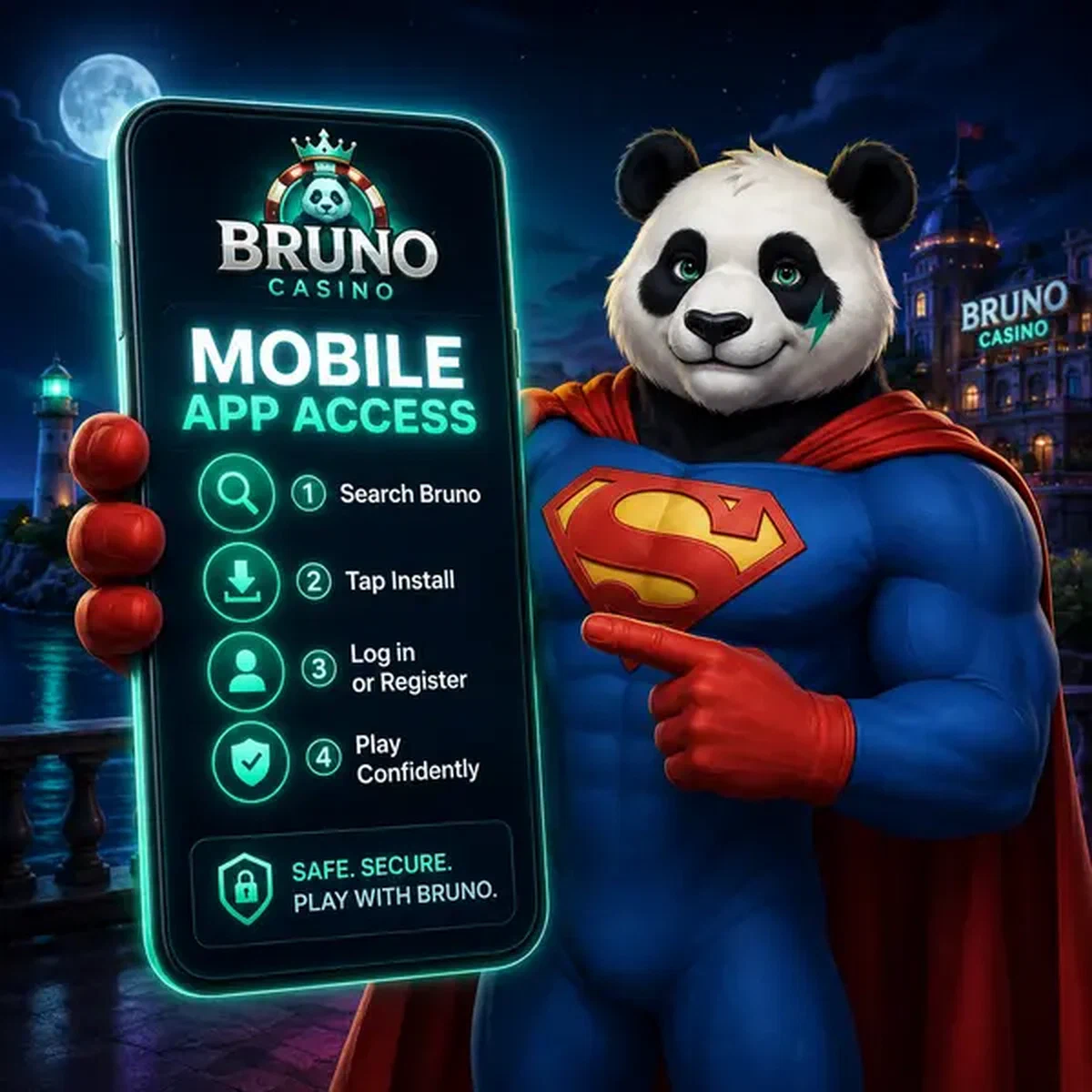
Bruno Casino Mobile App Download and Installation
Two routes to the Android app: search “Bruno Casino” on Google Play, or tap the “Casino App” link on the site directly. Both land you at the same listing by IGAMING AGENCY, age-rated 18+, tagged #1 top in Casino.
- Open Google Play on your Android device (or follow the direct link from the Bruno Casino site).
- Search for Bruno Casino and locate the listing by IGAMING AGENCY.
- Tap Install. The app is free; no APK sideload required.
- Once installed, open the app and log in to your existing account, or tap Register if you’re new.
- Your account balance, bonus status and game library load exactly as they do on desktop.
The listing has over 1 million installs. Most mid-market casino apps sit well below that threshold, so the volume here reflects sustained use rather than a spike at launch.
Tip: If you’re activating the welcome package, do it from the app straight after your first deposit. The bonus credits automatically without a promo code, and entering a code actually forfeits it, so leave that field blank.
Mobile-Optimized Demo Games
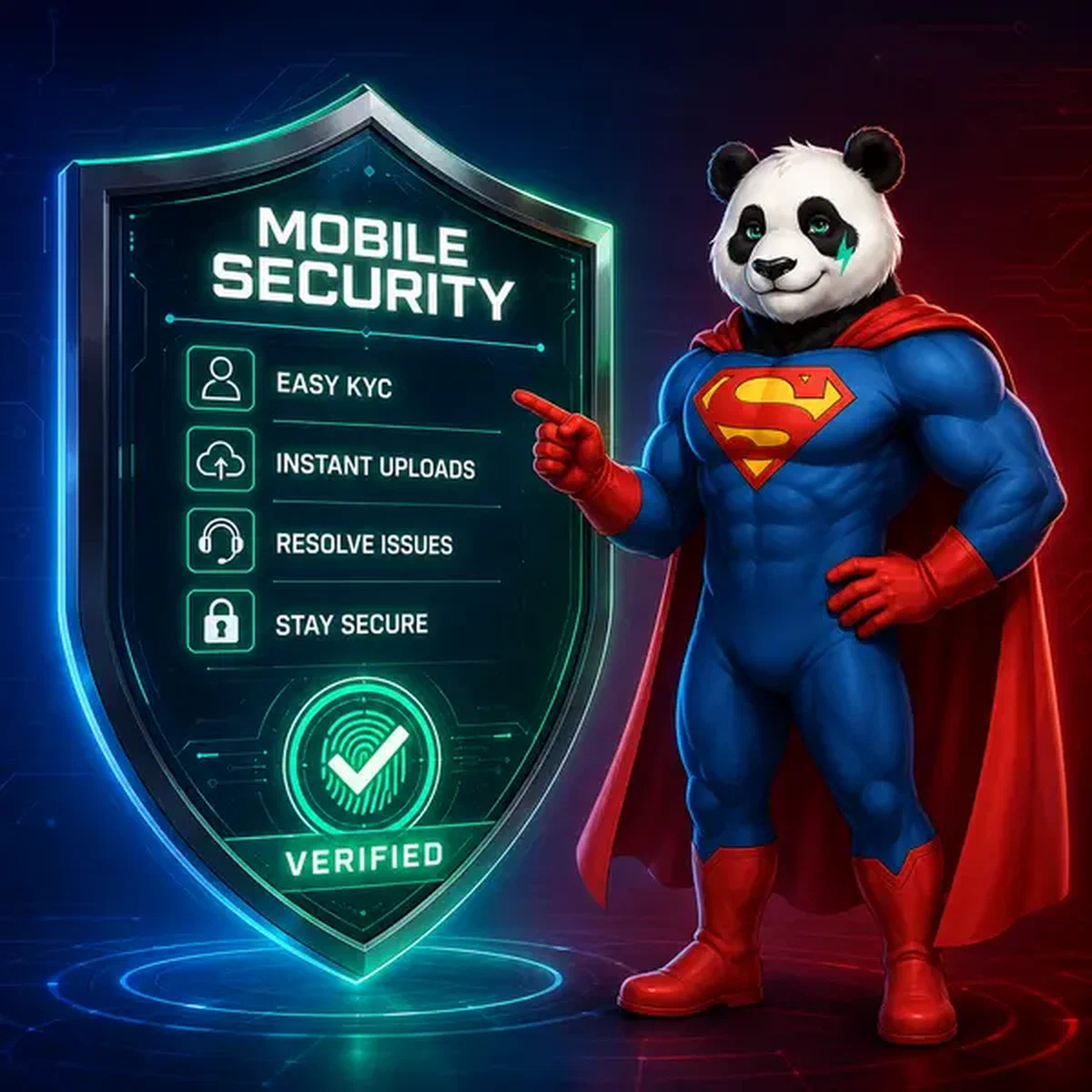
Mobile Security and Login Features
Verification through the Bruno mobile app works the same way it does on desktop: you upload a photo ID and a selfie directly from your phone’s camera. The KYC flow accepts standard document formats, and the camera upload means you’re not hunting for a scanner or emailing files separately.
This matters practically because withdrawals require full verification before they process. Getting KYC done from your phone early, before you’ve accumulated winnings to withdraw, avoids the wait later.
The 24/7 live chat and Help Center are both accessible inside the app, so if a document upload is rejected or flagged, you can resolve it without switching to a browser. Biometric login (Face ID, fingerprint) isn’t confirmed from current data, so plan on entering your credentials manually for now.
Bruno App vs Browser Experience
For most players, the choice between the Bruno application and the mobile browser comes down to preference, not functionality. Both deliver the full ~6,000-game catalogue. Slots render in mobile-optimised portrait layouts on either platform, and the browser version runs cleanly across Safari on iOS, Chrome, Firefox and Edge.
Where the app has a practical edge is convenience: it’s a tap rather than navigating to the URL each time, and it keeps you logged in across sessions. If you’re on iPhone, the browser is your only option for now since an iOS app isn’t confirmed, and Safari handles the site well enough that it doesn’t feel like a workaround.
The ~384 live tables (including roughly 326 blackjack variants and 77 game show titles from Evolution and Pragmatic Play Live) load on both platforms. So does the sportsbook and the full bonus interface.
Game Performance and Display
HTML5 handles all of it. Every slot in the ~5,000+ library is built to the standard that handles portrait-mode mobile natively, which means no pinching to resize or landscape-only titles forcing you to rotate.
Tip: The Bonus Buy tab on mobile lists ~900+ titles. If you want to run wagering on the welcome bonus efficiently, those slots count at 100% toward the 40x requirement, and you can filter directly to them from the mobile menu without scrolling through the full catalogue.
In-App Features and Support
The 24/7 live chat sits in the same position in the app as it does on the desktop site, accessible from the main menu. The Help Center is also in-app, covering account, banking and bonus questions. Response quality on mobile matches desktop; there’s no degraded support tier for app users.
Portrait optimisation applies consistently across the slot library, so the experience holds up on smaller screens without the layout breaking.
Mobile Game Library and Compatibility
Roughly 5,000 of the ~6,000 total titles are slots, and all of them are available on the Bruno casino mobile app. The catalogue is organised into dedicated tabs that work as well on a phone screen as they do on a monitor: a Bonus Buy section with ~900+ titles, an Instant Win tab with ~49 games, and a dedicated Pragmatic Play Drops & Wins section running on the Fr. 25,000,000 network prize pool.
The ~384 live tables are fully accessible on mobile too. That includes the Evolution and Pragmatic Play Live rooms, game shows, and the live tournament schedule (a €10,000 pool runs every three days on the live casino side).
One thing worth knowing: the in-house Originals studio (Chicken Road 2, Ice Fish, Casino Coin, Penalty Nations Cup) and the ~56 network exclusives from Alfa Games Studio and Good Luck Games are also in the mobile catalogue. If provably-fair titles are part of why you’re here, they’re not desktop-only.